Quick answer
AI voice editing for word-level audio fixes
AI voice editing changes the production loop: fix the line that changed, keep the voice that already worked, and avoid rebuilding the entire recording.
AI voice editing Practical guide Updated 2026
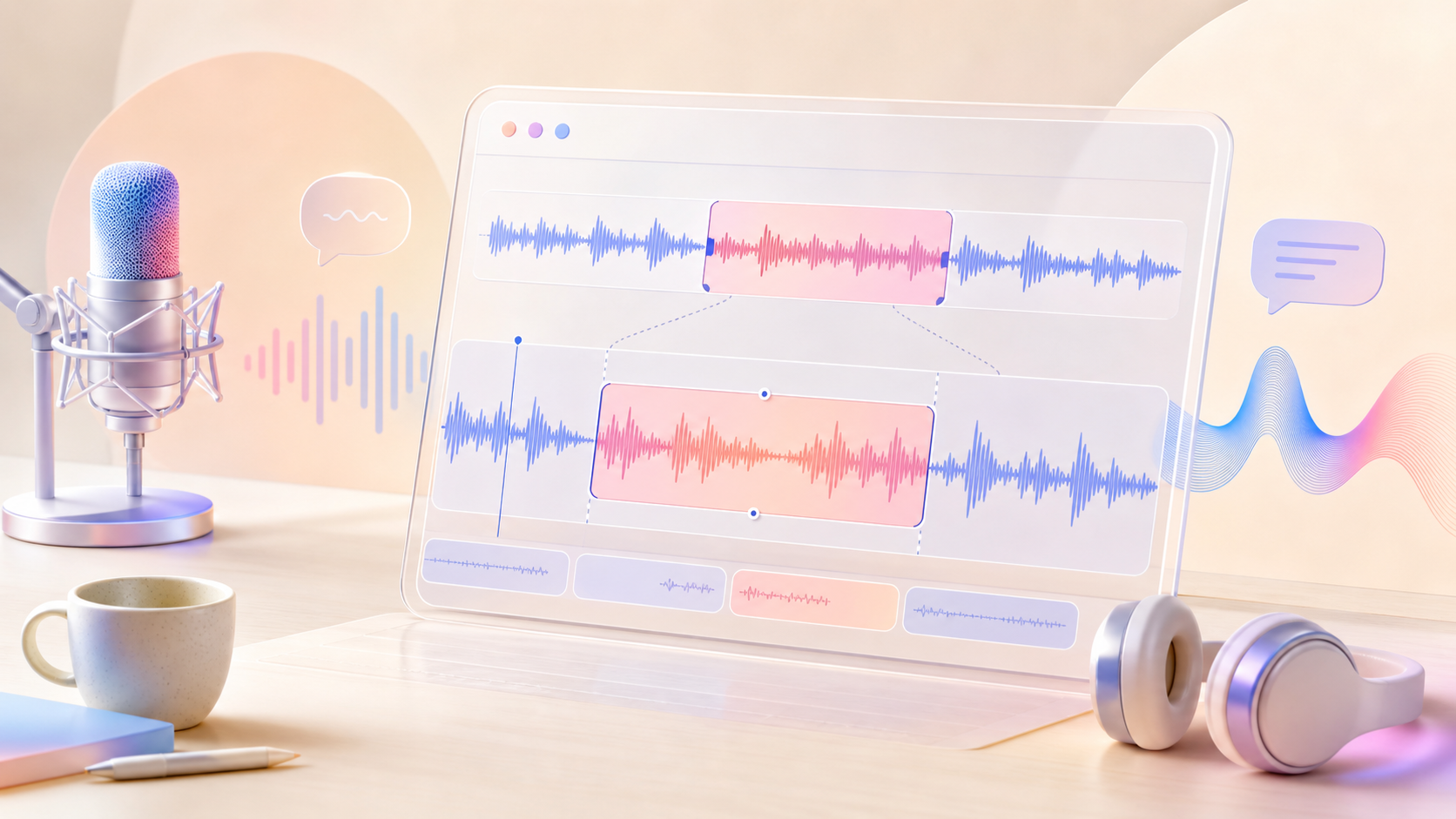
What AI voice editing fixes best
The strongest AI voice editing cases are narrow, specific, and easy to review. Replace a product name, character name, number, date, pronunciation, disclaimer, or short line that changed after the performance was already approved.
- Keep each replacement span as short as the actual change allows.
- Write the new phrase in the same language, tense, and delivery style as the original line.
- Reject edits that solve the words but damage the surrounding performance.
Local speech replacement workflow
A local speech replacement workflow starts with source audio, original text, and edited text. The system finds the changed region and resynthesizes that span while the rest of the utterance stays anchored to the original take.
- Prepare exact original text before editing so alignment is not guessing.
- Change one phrase at a time when evaluating a new voice editing model.
- Export before-and-after files so reviewers can compare the real difference.
Edit boundary continuity
The edit boundary is where weak local speech editing usually fails. Listen to the second before the replacement, the generated phrase, and the second after it as one continuous performance.
- Check for clicks, sudden breath changes, and noise-floor shifts.
- Listen for consonants that sound clipped at the mask boundary.
- Compare the edited phrase against the rhythm of the full sentence.
Transcript and alignment prep
Local editing quality depends on text alignment. If the transcript misses words, punctuation, pauses, or the original phrasing, the model may place the replacement span in the wrong region.
- Keep original text and edited text complete, not only the changed phrase.
- Use punctuation that reflects how the sentence was actually spoken.
- Avoid editing from a rough transcript when names, acronyms, or numbers matter.
Voice cloning versus voice editing
Voice cloning answers whether a new line can sound like a speaker. AI voice editing answers whether a changed word can fit inside an existing performance without making the rest of the line feel regenerated.
- Use voice cloning tests for new sentences and character coverage.
- Use voice editing tests for pickup fixes and late script changes.
- Score both speaker similarity and surrounding continuity.
Production review checklist
A useful review checklist measures the whole job, not only whether the model produced audio. Review transcript match, voice identity, emotion fit, timing, background continuity, and publication risk.
- Mark each output accepted, revised, or rejected with a reason.
- Store the changed text and the reviewer decision together.
- Track how often the edit avoids a human rerecord.
When to rerecord instead
AI voice editing is not the right tool when the acting direction changes, the emotion changes across the sentence, or most of the line needs a rewrite. In those cases, a full regeneration or human rerecord is more honest.
- Rerecord when the new line needs different pacing or emotion.
- Regenerate when the changed span is longer than the stable context.
- Do not use a public demo with confidential recordings.
Responsible voice editing
Editable speech changes identity, consent, and trust. Treat every reference voice and edited output as sensitive media, especially when a real person or recognizable character voice is involved.
- Get permission for any voice reference material.
- Keep a clear review path before publishing edited speech.
- Disclose synthetic or edited speech when the audience or platform expects it.
AI voice editing FAQ
Is AI voice editing the same as voice cloning?
No. Voice cloning focuses on reproducing a voice. AI voice editing focuses on changing a specific spoken segment while keeping the rest of the audio stable.
When should I rerecord instead of editing?
Rerecord when the emotion, pacing, or sentence structure changes across a long passage. Local editing is strongest for focused replacements.
Test AI voice editing in the live ViiTorVoice demo Use a short non-sensitive clip first, then compare the edited span against the checklist on this page.